Experimenting with Apple's Foundation Models
There's a whole category of gadgets that record your meetings and charge you a subscription to turn them into notes. I wanted to know whether the phone I already carry could do the same job with the language models Apple ships inside it. It can — and it ended up as a Shortcut that turns any recording into a structured note, diagram included, without an account, a subscription or another device.
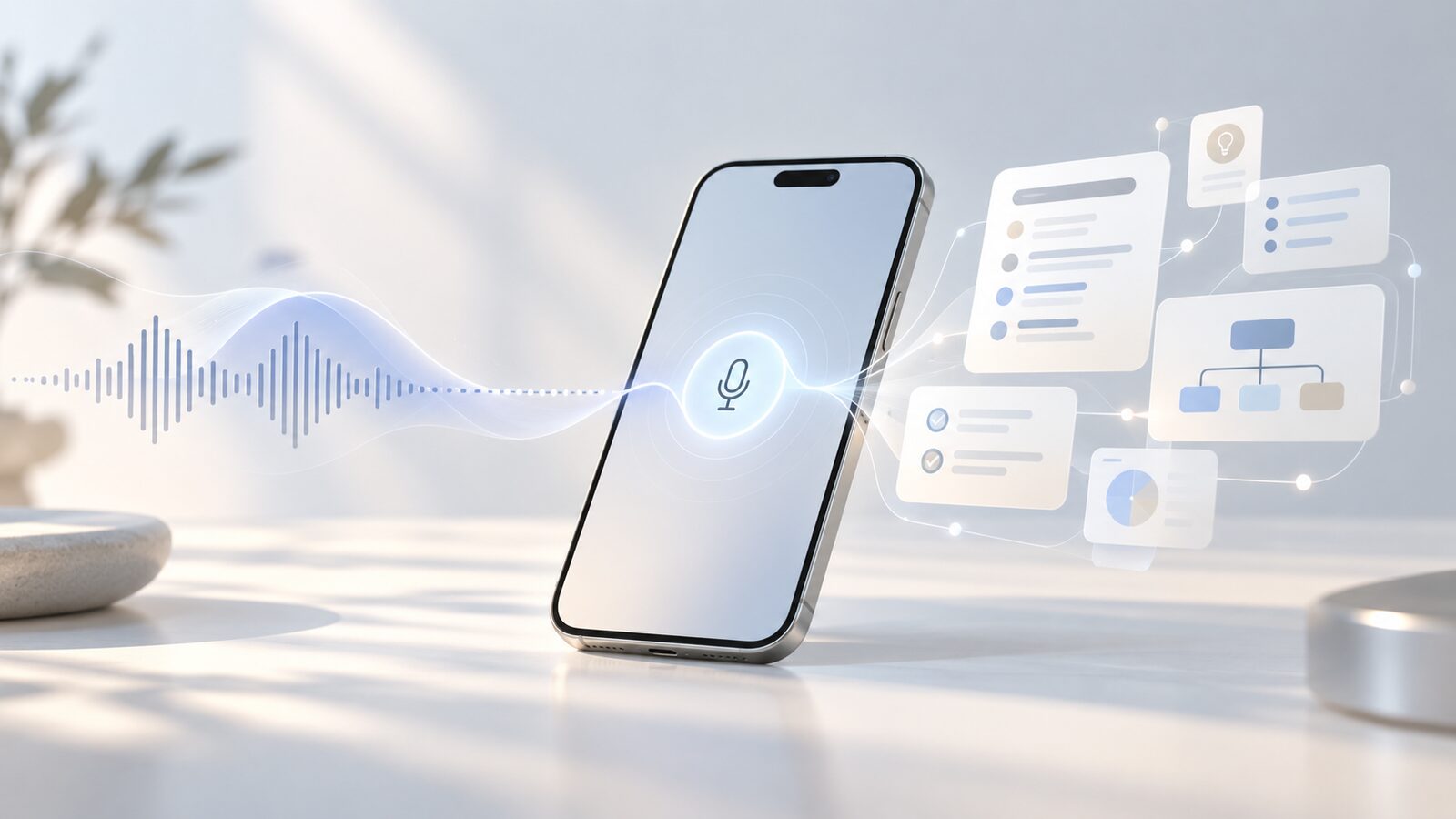
The idea started with the Plaud Note Pro: a slim recorder that clips to your phone and promises AI notes from everything you record. The hardware costs close to €200. Then, past a free tier of minutes, the notes themselves come with a membership — around a hundred a year for the Pro plan, more for unlimited. I couldn't get past it. The phone in your pocket already has a good microphone, already transcribes speech, and since iOS 26 it has a language model you can call from anywhere. Why would anyone pay twice for something they already own?
So I started tinkering. What came out is the most useful experiment I've done with small language models so far — not because it's clever, but because it's the kind of thing you end up using every day.
What Apple actually ships
The Foundation Models framework opens Apple Intelligence's models to developers: a compact model of roughly three billion parameters that runs on the device itself, and a larger one that runs on Private Cloud Compute, Apple's servers built so that your request isn't kept or visible to anyone, Apple included. Apps get structured output, tool calling and streaming. And — the part that matters here — Shortcuts got a Use Model action that lets anyone send a prompt to the on-device model, the cloud one, or ChatGPT, and feed the answer into the rest of the shortcut.
It's worth being clear about what these models are not. They're small, their knowledge has an old cut-off, and their context window is short. Ask one about the world and you'll be disappointed. But that's the wrong job. A small model isn't an oracle; it's a text-transformation engine: summarize this, restructure that, pull out the decisions, the dates, the tasks. Which is exactly what a set of notes is.
El Apuntador Pro
The shortcut is called El Apuntador Pro — roughly, "the note-taker" — and the flow is simple from the outside:
- Ingest a recording — record on the spot, or hand it an existing audio file.
- Transcribe it on the device.
- Pick a mode: a class, a meeting, a brainstorm, or a quick summary. Each one has its own prompt and its own shape of note — a class wants concepts and definitions, a meeting wants decisions and owners, a brainstorm wants the ideas grouped, not flattened.
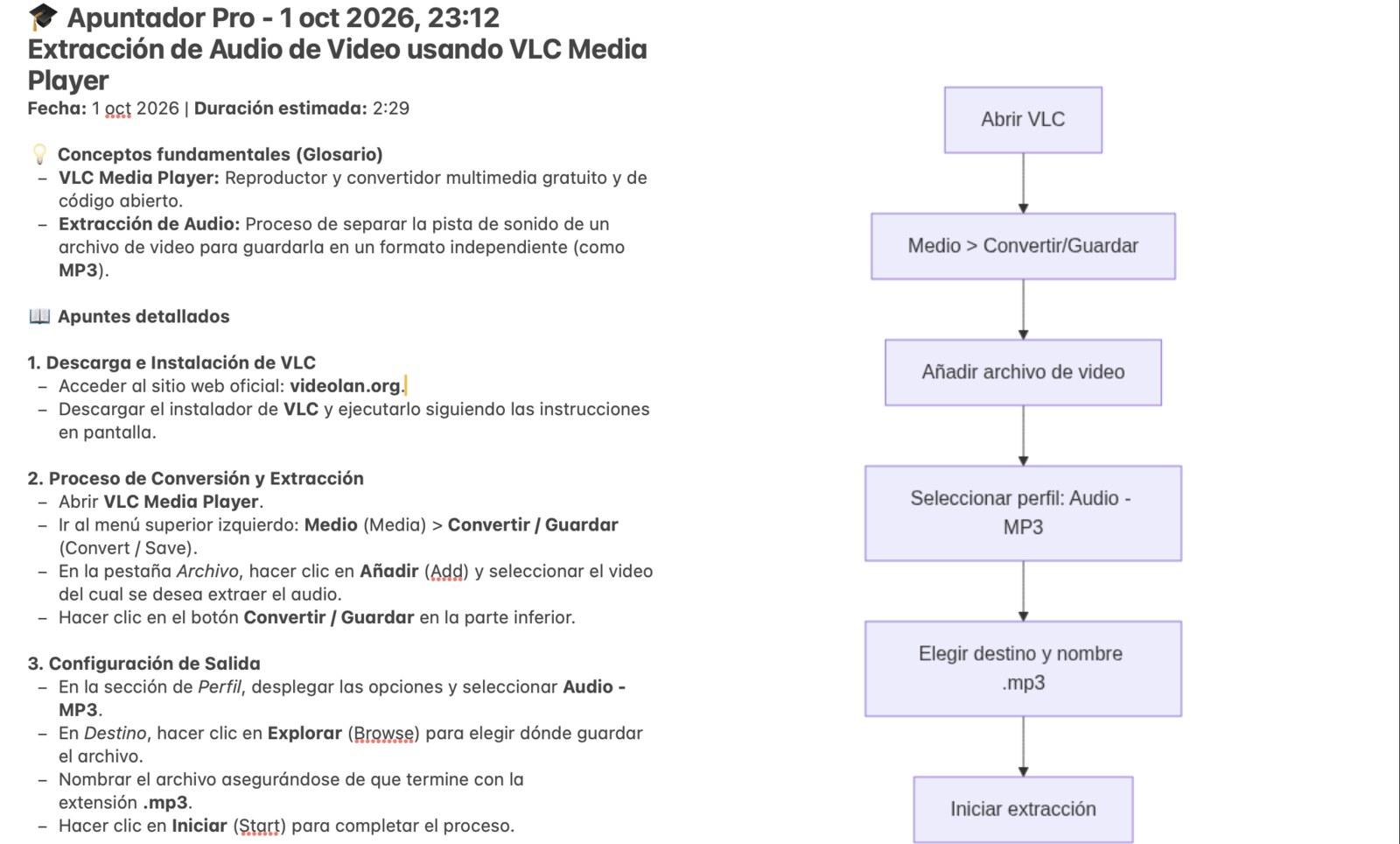
- Generate the note: a title, a TL;DR, the key points, the action items, and a Mermaid diagram that draws the structure of what was said.
- Render and save: the diagram becomes an image, and everything lands as a new note in Apple Notes.
It launches from wherever you happen to be: the Action button, Siri, a widget or Control Center. Drawn as the kind of diagram it produces, the pipeline looks like this:
flowchart LR
    A[Recording] --> B[Transcript]
    B --> C{Mode}
    C -->|class · meeting · brainstorm · quick| D[Prompt]
    D --> E[Model]
    E --> F[Sections + Mermaid]
    F --> G[Note in Apple Notes]
From the inside, it's a different story. Most of the shortcut isn't the model call — it's everything around it: cleaning the transcript, a prompt per mode, parsing what comes back into sections, separating the diagram code from the prose, rendering it, and assembling a note that reads well on any device. That's where the real work went, and it's also where you learn what a small model needs. Narrow instructions and an explicit output format, and it behaves remarkably well; something open-ended, and it wanders.
One shortcut, three kinds of model
What surprised me most is how interchangeable the brain turned out to be. The same shortcut runs on three very different engines:
| Engine | Where it runs | When I use it |
|---|---|---|
| Apple on-device | On the phone, offline | Quick summaries, anything private, anywhere with no signal. Fast, free, always there. |
| Private Cloud Compute | Apple's private servers | The bigger model, for longer recordings and richer notes — still private. |
| Open models, local | On the phone, through Locally | Comparing models, or when I want something other than Apple's — still without leaving the device. |
That third row is the one I didn't expect to work as well as it does. Locally runs open models on Apple silicon with MLX and exposes them to Shortcuts, so swapping the brain is a matter of changing one action. On the iPhone 18 Pro, with its 12 GB of RAM, I've had good results with Bonsai 27B — PrismML's extreme quantization of a 27-billion-parameter model down to under 4 GB — as well as Qwen 3.5 4B and Gemma 4 E4B. A 27B-class model writing meeting notes in your pocket, offline, was not on my list of things I'd see this year.
A note on privacy, because it's half the point. The audio and the transcript never leave the phone with the on-device or local models, and with Private Cloud Compute they go only to Apple's private servers. The one thing that goes out is the diagram's code — a few lines of text — to mermaid.ink, which turns it into an image so the note looks the same everywhere. The note itself lives in Notes, like any other.
What the experiment taught me
I've written before about running models on your own hardware, and my master's thesis was about small, fine-tuned models beating much bigger ones on narrow tasks. This was the same lesson from the other side: the most useful model isn't the biggest one, it's the one that's already there. No subscription, no login, no extra gadget to charge, no meter running per minute. It works on a train, in a lecture hall with no Wi-Fi, in a meeting where nothing should leave the room.
Small language models stopped being a curiosity the moment they shipped inside the phone. The interesting question now isn't whether they're good enough — for transforming text, they are — but what we build around them. A recorder with a subscription is one answer. A shortcut is another.
El Apuntador Pro is free, along with the rest of the shortcuts I make, at atajos.yous.dev. It needs iOS or iPadOS 26 and a device with Apple Intelligence turned on.
Shortcut: atajos.yous.dev/atajos/apuntador-pro